> For the complete documentation index, see [llms.txt](https://help.plusra.jp/llms.txt). Markdown versions of documentation pages are available by appending `.md` to page URLs; this page is available as [Markdown](https://help.plusra.jp/how-to/triggers.md).

# トリガー別に自動返信する

トリガー（DM・コメント・ストーリー・ライブ）別に、自動返信を作る方法を紹介します。

自動返信は、何をきっかけに動かすか（トリガー）を選ぶところから作ります。トリガーは5種類あり、選んだトリガーによって設定するステップが変わります。

## 自動返信を作る流れ

どのトリガーでも、作る流れは共通です。

{% stepper %}
{% step %}
自動返信の一覧で［新規作成］を押す
{% endstep %}

{% step %}
編集画面でトリガーを選び、表示されるステップを順に進める
{% endstep %}

{% step %}
［メッセージ作成へ］に進み、送るメッセージを作る
{% endstep %}

{% step %}
公開する（公開前に、テスト送信で届き方を確認することもできます）
{% endstep %}
{% endstepper %}

トリガーの設定は、画面の案内に沿って1ステップずつ進める形式です。画面の左側に進み具合が表示され、選んだトリガーに必要なステップだけが出ます。

## トリガーを選ぶ

きっかけにしたいトリガーのガイドを開いてください。

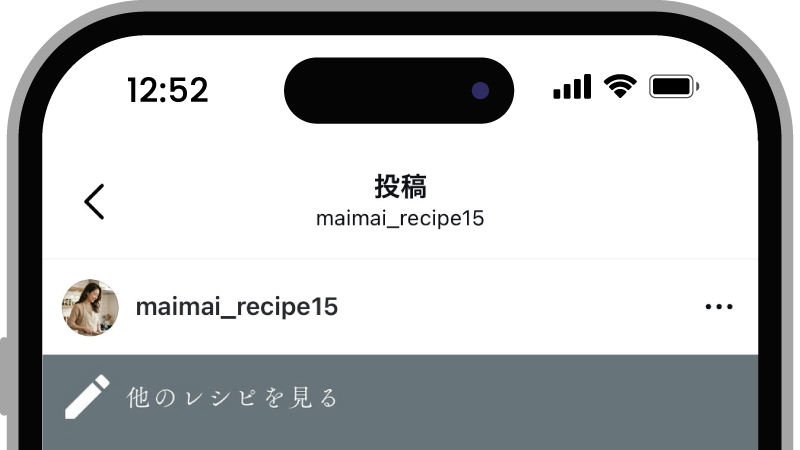
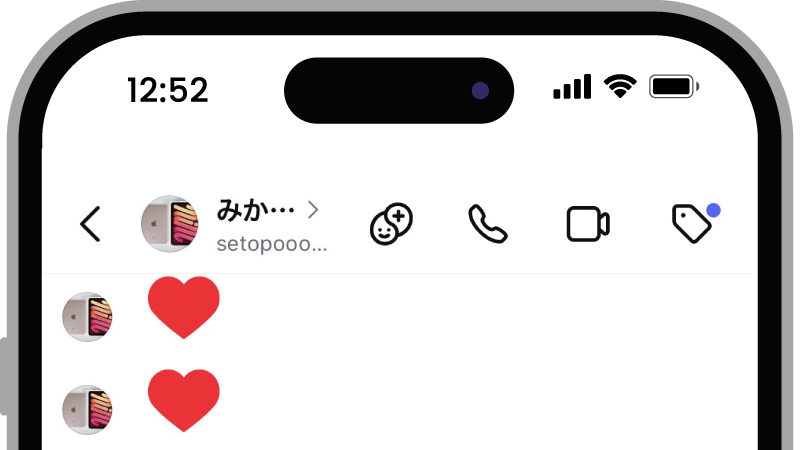
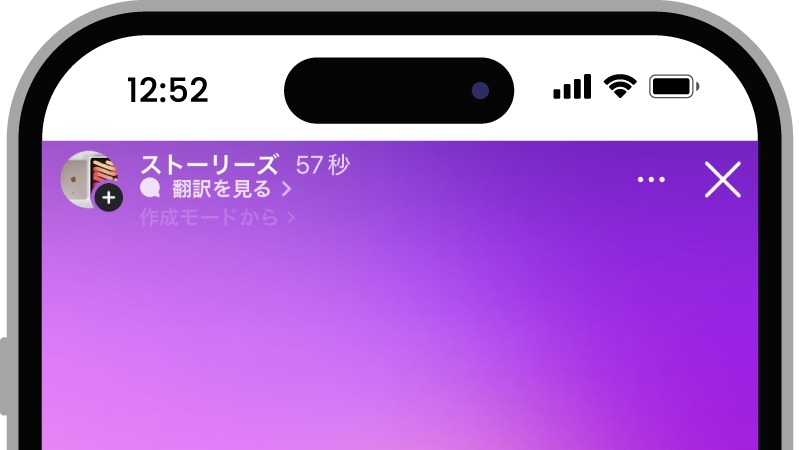
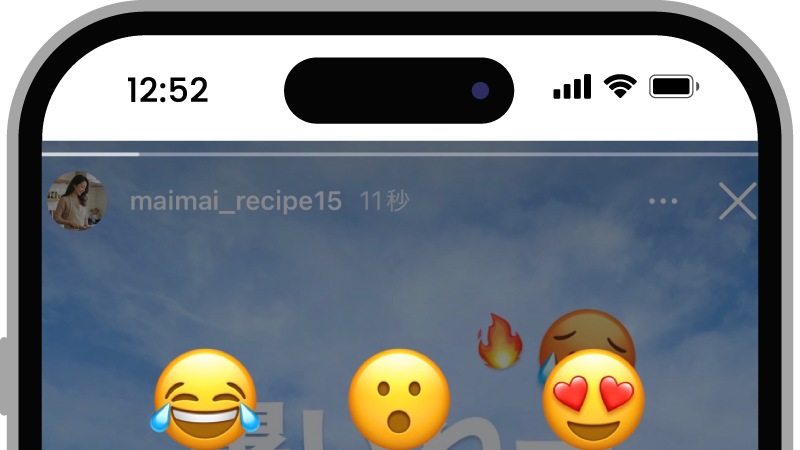
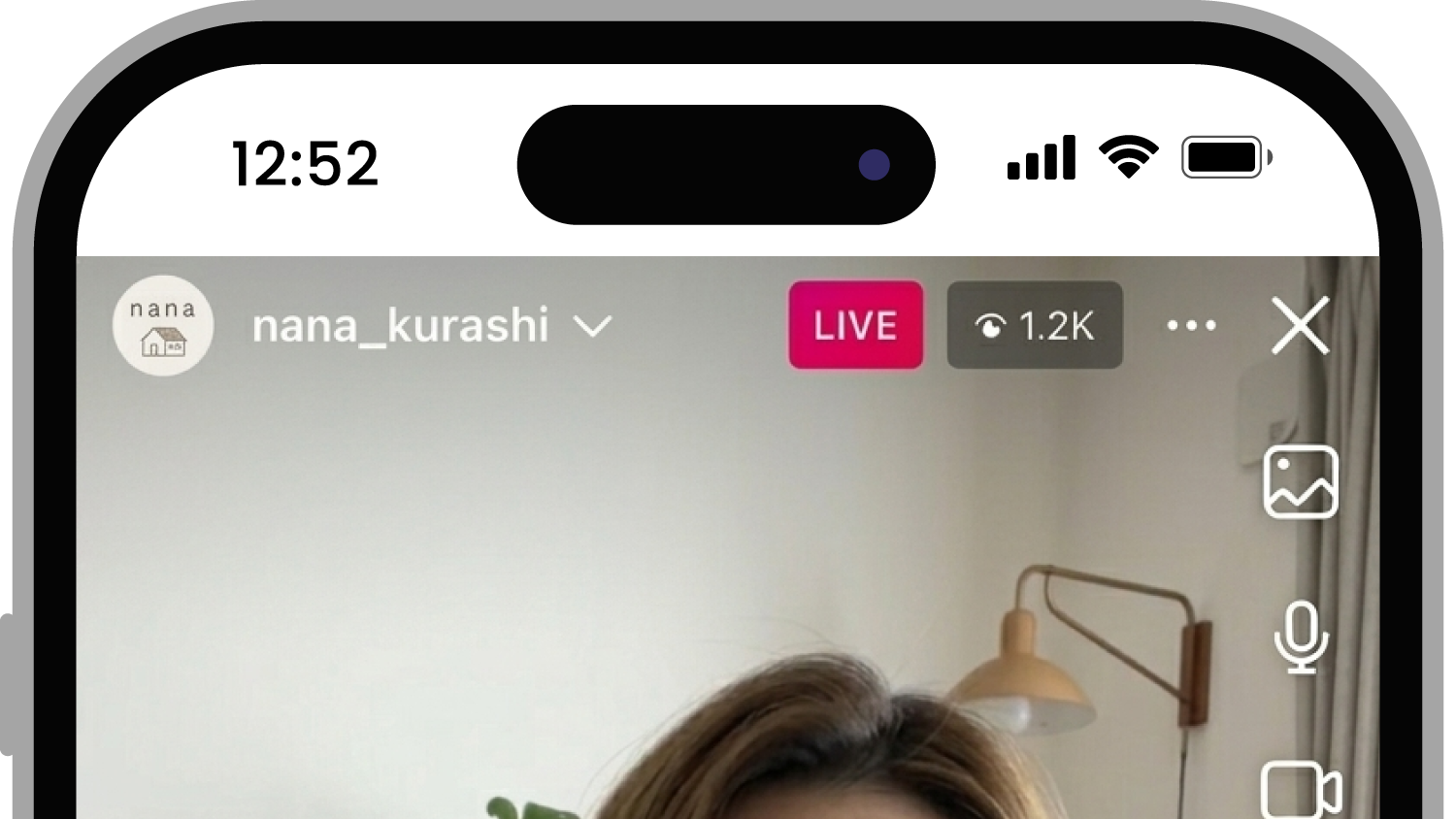
<table data-view="cards"><thead><tr><th></th><th></th><th data-hidden data-card-target data-type="content-ref"></th><th data-hidden data-card-cover data-type="files"></th></tr></thead><tbody><tr><td><strong>投稿コメント</strong></td><td>投稿にコメントが付いたときに返信する</td><td><a href="/how-to/triggers/post-comment.md">投稿へのコメントに自動返信する</a></td><td><a href="https://1609416505-files.gitbook.io/~/files/v0/b/gitbook-x-prod.appspot.com/o/spaces%2FblwLKnIbfODAdoeA60hQ%2Fuploads%2Fgit-blob-8a80c5c39759f19e0cb306ab939601df48b097e2%2Ftrigger-post-comment.png?alt=media">trigger-post-comment.png</a></td></tr><tr><td><strong>DM受信</strong></td><td>DMを受け取ったときに返信する</td><td><a href="/how-to/triggers/dm.md">DMに自動返信する</a></td><td><a href="https://1609416505-files.gitbook.io/~/files/v0/b/gitbook-x-prod.appspot.com/o/spaces%2FblwLKnIbfODAdoeA60hQ%2Fuploads%2Fgit-blob-307945d506f436d808fe0d77ef68e7ba5cd2b054%2Ftrigger-dm.png?alt=media">trigger-dm.png</a></td></tr><tr><td><strong>ストーリーメンション</strong></td><td>ストーリーで自分がメンションされたときに返信する</td><td><a href="/how-to/triggers/story-mention.md">ストーリーメンションに自動返信する</a></td><td><a href="https://1609416505-files.gitbook.io/~/files/v0/b/gitbook-x-prod.appspot.com/o/spaces%2FblwLKnIbfODAdoeA60hQ%2Fuploads%2Fgit-blob-0028f73330d7480b1722aa92d6ff8eeb8a4c6ef9%2Ftrigger-story-mention.jpg?alt=media">trigger-story-mention.jpg</a></td></tr><tr><td><strong>ストーリーへの返信</strong></td><td>ストーリーにコメントやリアクションが届いたときに返信する</td><td><a href="/how-to/triggers/story-reply.md">ストーリーへの返信に自動返信する</a></td><td><a href="https://1609416505-files.gitbook.io/~/files/v0/b/gitbook-x-prod.appspot.com/o/spaces%2FblwLKnIbfODAdoeA60hQ%2Fuploads%2Fgit-blob-586e6f97d561d7c64051d22b20f9e3e773e90843%2Ftrigger-story-reply.png?alt=media">trigger-story-reply.png</a></td></tr><tr><td><strong>ライブコメント</strong></td><td>ライブ配信中にコメントが付いたときに返信する</td><td><a href="/how-to/triggers/live-comment.md">ライブ中のコメントに自動返信する</a></td><td><a href="https://1609416505-files.gitbook.io/~/files/v0/b/gitbook-x-prod.appspot.com/o/spaces%2FblwLKnIbfODAdoeA60hQ%2Fuploads%2Fgit-blob-af1bee87d9401ca6c320644c2781ffb01dd7346f%2Ftrigger-live-comment.png?alt=media">trigger-live-comment.png</a></td></tr></tbody></table>

トリガーごとに設定できる項目（返信対象の投稿・キーワード・コメント返信・返信回数）の一覧は、[トリガーの設定項目](/reference/trigger-options.md)を確認してください。

## 関連ガイド

* [トリガーの設定項目](/reference/trigger-options.md)
* [メッセージを作成する](/how-to/messages.md)
* [自動返信を公開する](/how-to/manage/publish.md)


---

# Agent Instructions
This documentation is published with GitBook. GitBook is the documentation platform designed so that both humans and AI agents can read, navigate, and reason over technical content effectively. Learn more at gitbook.com.

## Querying This Documentation
If you need additional information that is not directly available in this page, you can query the documentation dynamically by asking a question.

Perform an HTTP GET request on the current page URL with the `ask` query parameter, and the optional `goal` query parameter:

```
GET https://help.plusra.jp/how-to/triggers.md?ask=<question>&goal=<endgoal>
```

`ask` is the immediate question: it should be specific, self-contained, and written in natural language.
`goal` is optional and describes the broader end goal you are ultimately trying to accomplish on behalf of the user. GitBook uses it to tailor the answer towards what is most useful for that goal.

The response will contain a direct answer to the question and relevant excerpts and sources from the documentation.

Use this mechanism when the answer is not explicitly present in the current page, you need clarification or additional context, or you want to retrieve related documentation sections.